
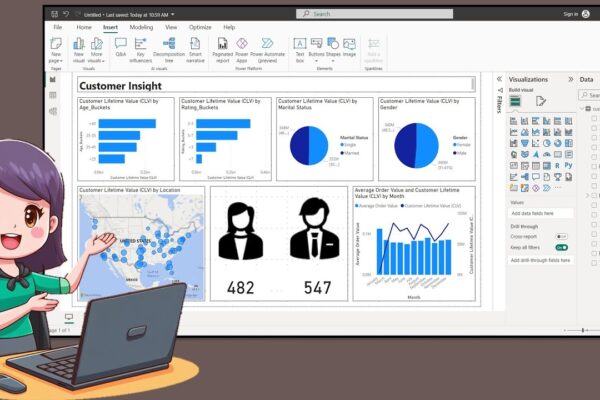
How to Create a Nice Customer Insight Dashboar in Power BI Desktop

In this tutorial, the presenter welcomes the audience back and introduces the creation of a customer insight dashboard using data available on Kaggle. The process involves creating age and rating buckets using Data Analysis Expression, exporting icons from PowerPoint, and incorporating them into the dashboard. The tutorial covers turning on map visuals, adjusting canvas size,…
Read More

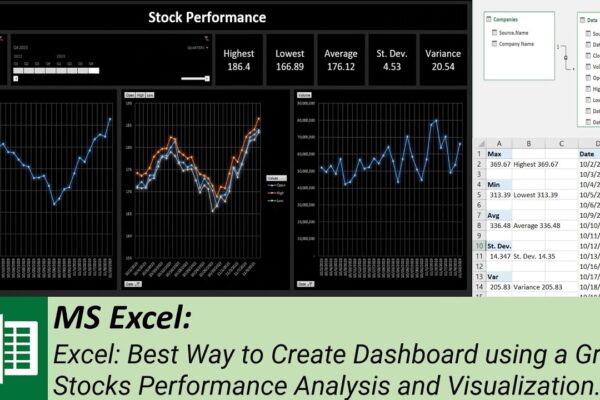
Best Way to Create Dashboard using a Grid – Stocks Performance Analysis and Visualization

Welcome to our MS Excel dashboard tutorial where we’ll guide you through creating an insightful stock performance dashboard using power pivot, pivot tables, slicer, and timeline. In this tutorial, we’ll show you how to: #ExcelTutorial #DataAnalysis #DashboardDesign #StockPerformance #TechCompanies #PowerPivot #PivotTables #Slicer #Timeline #DataModel #MicrosoftExcel #FinancialAnalysis #DataVisualization #StockMarket #Meta #Google #Microsoft #Apple #DataVisualization #Tutorial #SubscribeNow…

Read More

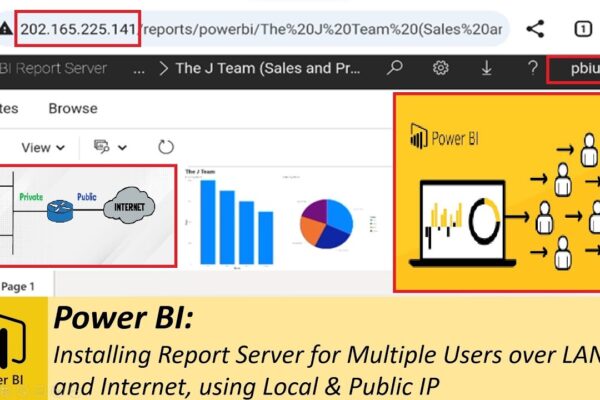
Setting up Report Server for Multiple Users over LAN and Internet, using Local & Public IP

In this tutorial, we’ll guide you through the installation, setup, and configuration of Power BI Report Server for multiple users. Learn how to create a local users group, add users, and grant them access to the report server over the Local Area Network and through a public IP address. Follow step-by-step instructions on downloading, installing,…

Read More

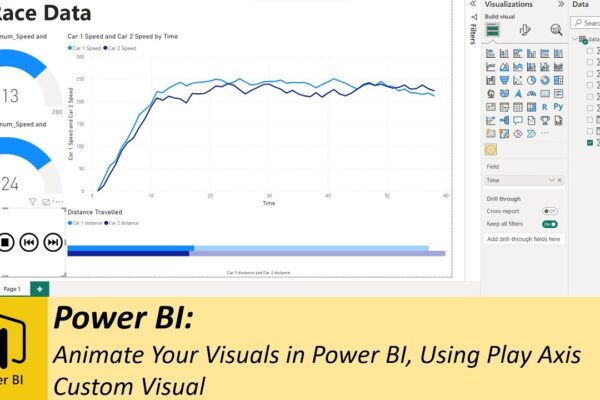
Animate Your Visuals in Power BI, Using Play Axis Custom Visual

Previously, we explored various methods for animating your dashboards using SQL. Whether you want to display real-time data or historical data animations, SQL method works great. However you’ll discover that SQL isn’t always necessary, especially when dealing with historical data. Instead, we introduce you to a handy custom visual known as “play axis,” available for…

Read More