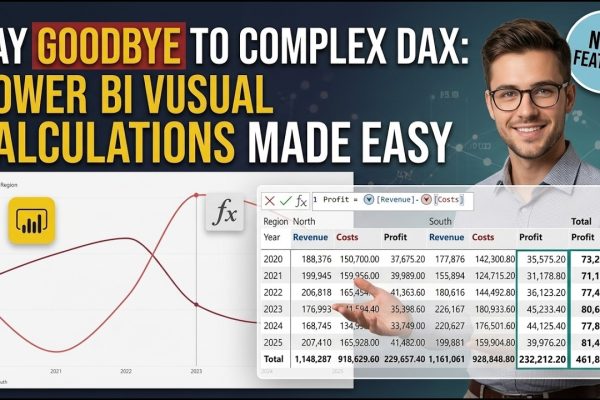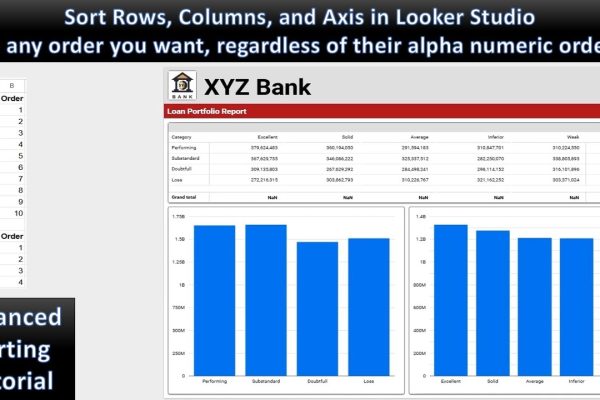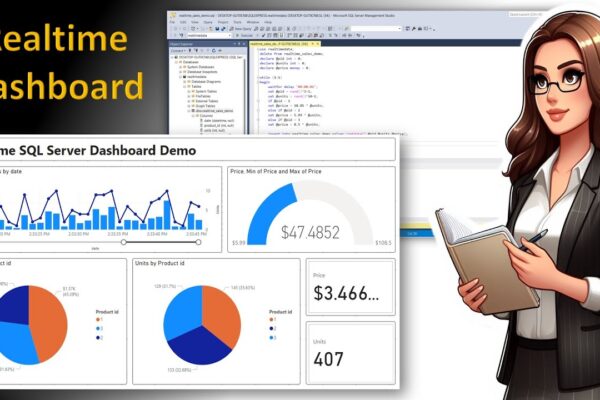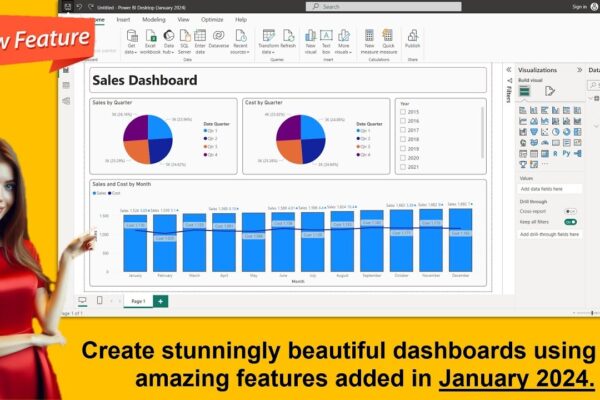

Power BI: Say Goodbye to Complex DAX – Visual Calculations Made Easy

Visual calculations, introduced by Microsoft in Public Preview in February 2024 for Power BI Desktop, revolutionized the way users manipulate data by simplifying complex reporting processes. Previously, achieving specific business metrics required an advanced understanding of intricate DAX concepts such as Filter Context, Row Context, and Context Transition, which often resulted in highly complex and…

Read More

IMBD Top 1000 Movies Dashboard: How to Use Text Slicer Effectively

Douwnload Dataset and PBI file: https://drive.google.com/…/1WdUPqB2yJ7_062jAMVO…/view… AI Description: This image serves as an engaging YouTube thumbnail for a tutorial titled “IMDB Top 1000 Movies Dashboard: A Demonstration of how to use a Text Slicer Effectively.” The visual immediately captures the essence of the content, featuring a well-designed Power BI or similar BI tool dashboard. Key…

Read More

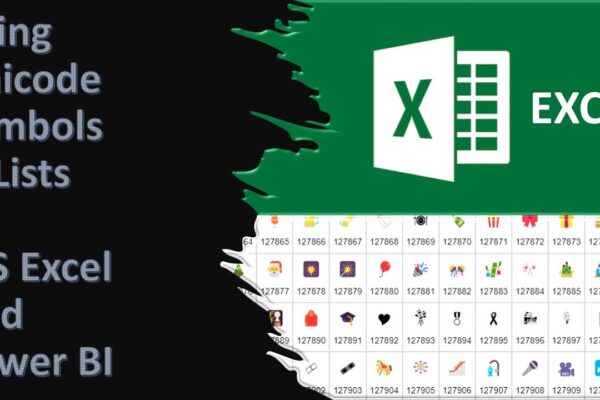
Using Unicode Symbols in Excel and Power BI and Converting Symbols to Code and Back in Excel

Unicode characters are a special coding system that allows computers to display a vast variety of text and symbols from different languages. These characters are not images, but they can be used to represent images and even create fancy lists and other visual elements within your spreadsheets or dashboards. There are different Unicode codes for…

Read More

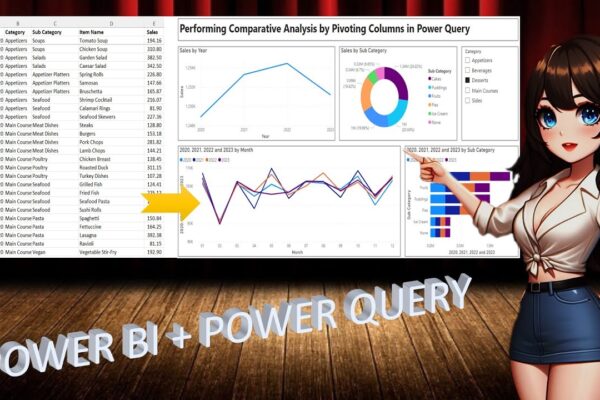
Performing Comparative Analysis by Pivoting Columns in Power Query

In this power BI visualization tutorial, we focus on comparing sales data from a vertical dataset across different years. Beginning with data transformation in the Power Query Editor, we progress to creating a comparative visual for a dashboard. Step by step, we navigate through loading data, adding visual elements like text boxes and line charts,…

Read More