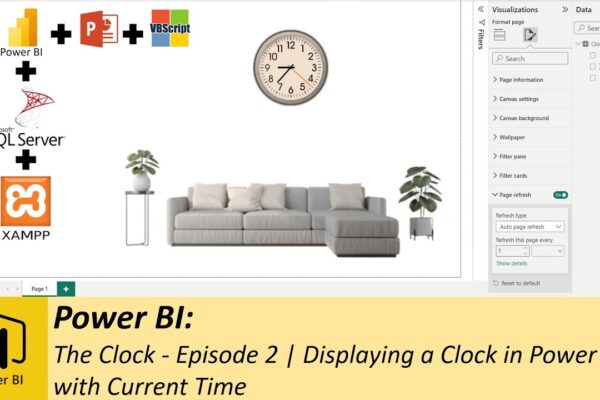

Power BI:The Clock – Episode 2 | Displaying a Clock in Power BI with Current Time using SQL & XAMPP

Welcome to episode two of the clock project! In the previous episode, we crafted a clock in PowerPoint, complete with animations using Visual Basic Script. Now, in this installment, we’ll integrate that clock into a Power BI dashboard to dynamically display the current time. Let’s dive right into today’s tutorial! 🕒 Setting Up the Database:Open…

Read More

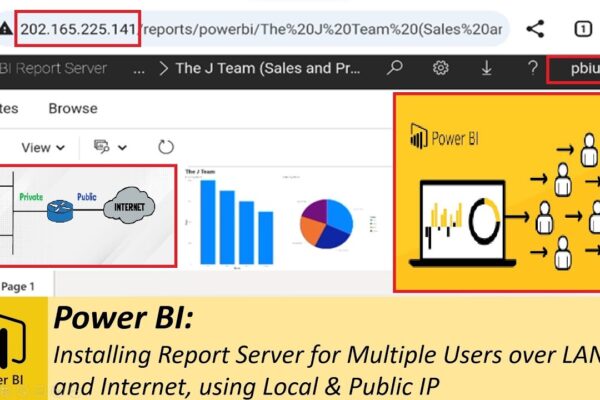
Setting up Report Server for Multiple Users over LAN and Internet, using Local & Public IP

In this tutorial, we’ll guide you through the installation, setup, and configuration of Power BI Report Server for multiple users. Learn how to create a local users group, add users, and grant them access to the report server over the Local Area Network and through a public IP address. Follow step-by-step instructions on downloading, installing,…

Read More

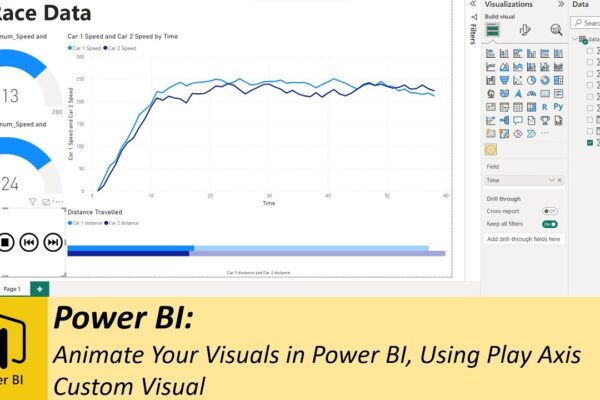
Animate Your Visuals in Power BI, Using Play Axis Custom Visual

Previously, we explored various methods for animating your dashboards using SQL. Whether you want to display real-time data or historical data animations, SQL method works great. However you’ll discover that SQL isn’t always necessary, especially when dealing with historical data. Instead, we introduce you to a handy custom visual known as “play axis,” available for…

Read More