

From Code to Clicks: Work hard or Smart? Simplifying Reporting with Excel Pivot Tables

This video demonstrates how to seamlessly integrate Microsoft Excel with SQL Server to streamline data reporting and visualization. The process begins by preparing a large dataset in Excel, saving it as a CSV file, and importing it into SQL Server Management Studio using the “Import Flat File” wizard. The tutorial highlights important data cleaning steps,…

Read More

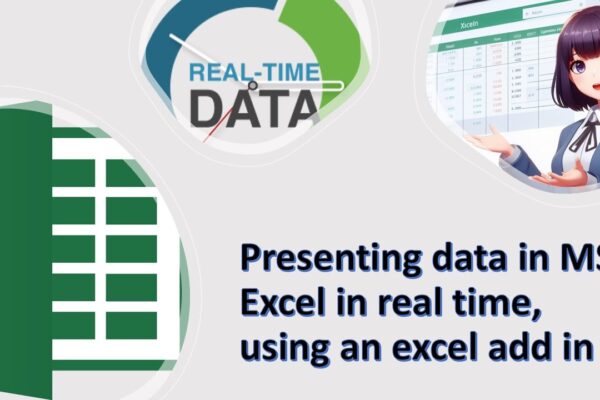
Realtime/Live Data Processing in Excel, using addin created by yourself using VBA

Welcome to our MS Excel tutorial! In this session, we’ll guide you through the process of transforming your Excel spreadsheet into a real-time data processing and visualization powerhouse. 📊 Topics Covered:Creating an Add-In for Real-Time Calculations: Learn how to develop and install an Excel add-in that calculates and refreshes data at specified intervals.Connecting Excel to…

Read More

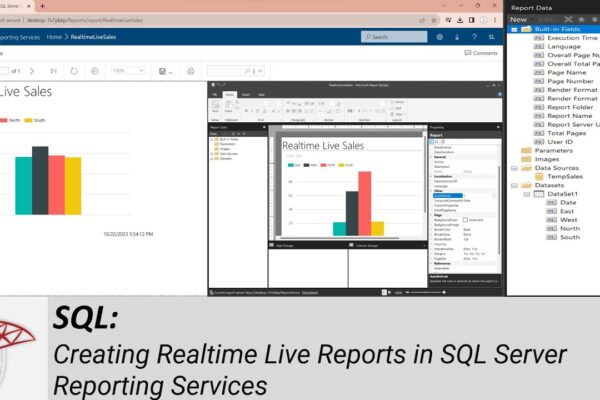
Creating Realtime Live Reports in SQL Server Reporting Services

How to Install and Configure SQL Server Reporting Services (SSRS): https://youtu.be/o4-Fztiov1E Welcome to another SQL Server tutorial. In today’s session, we’ll guide you through the process of connecting your SQL Server database to SQL Server Reporting Services, allowing you to display live, real-time information in a dynamic report. In our previous tutorial, we covered the…

Read More