
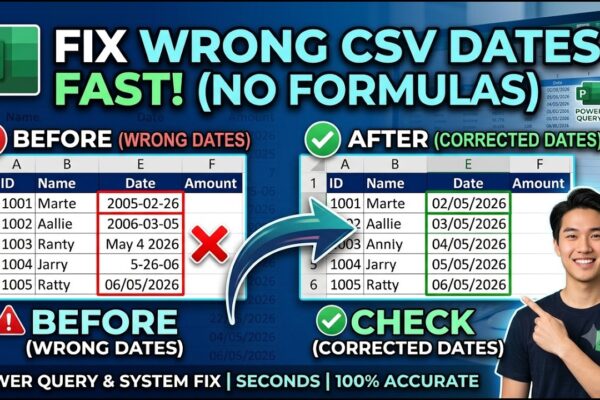
Excel: How to Correct Wrong Date Formats in Seonds without using Complex Forumulas and Methods.

Dealing with wrongly entered dates in CSV files can be a real headache, especially when Excel automatically auto-corrects them into the wrong format (like misinterpreting days as years). Using complex formulas like LEFT, MID, or RIGHT often leads to unpredictable results. Crucially, if Excel auto-formats your dates incorrectly, never save the file as a CSV…

Read More

Power BI: Fleet Performance Logistics Dashboard with Driver Safety, Efficiency, and Compliace KPIs

Learn how to transform raw logistics data into a professional, multi-page Power BI dashboard designed for fleet management. This tutorial covers the end-to-end process, starting from importing trip data from Microsoft Excel and building high-impact KPI cards for safety and efficiency metrics like hard breaking, speeding, and idle time. You will master data visualization techniques…

Read More

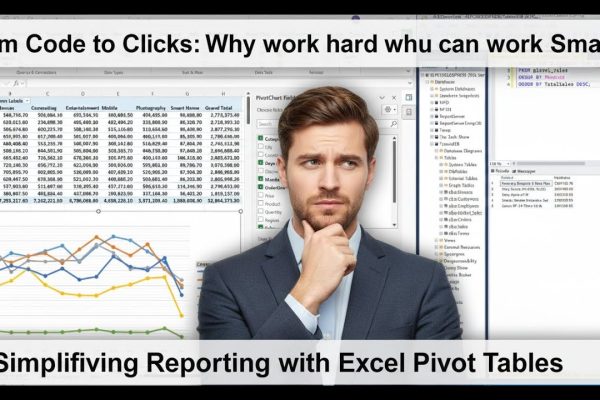
From Code to Clicks: Work hard or Smart? Simplifying Reporting with Excel Pivot Tables

This video demonstrates how to seamlessly integrate Microsoft Excel with SQL Server to streamline data reporting and visualization. The process begins by preparing a large dataset in Excel, saving it as a CSV file, and importing it into SQL Server Management Studio using the “Import Flat File” wizard. The tutorial highlights important data cleaning steps,…

Read More

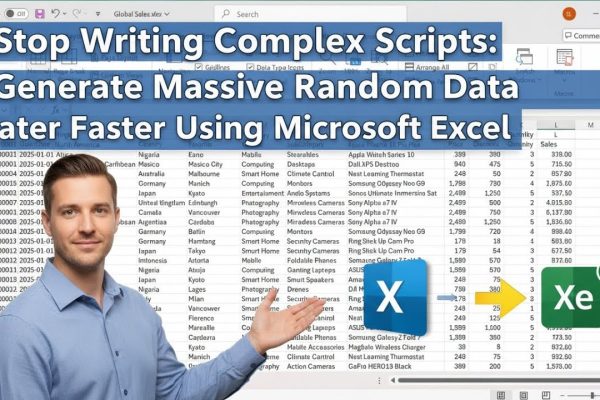
Stop Writing Complex Scripts: Generate Massive Random Data Faster Using Microsoft Excel

Generating a large, customized dataset for practice in Power BI, SQL, or Python doesn’t have to involve writing complex scripts or hunting for the perfect file online. While many analysts rely on intricate SQL queries or long Python blocks to randomize data, Microsoft Excel offers a far more intuitive and flexible alternative. By using simple…

Read More

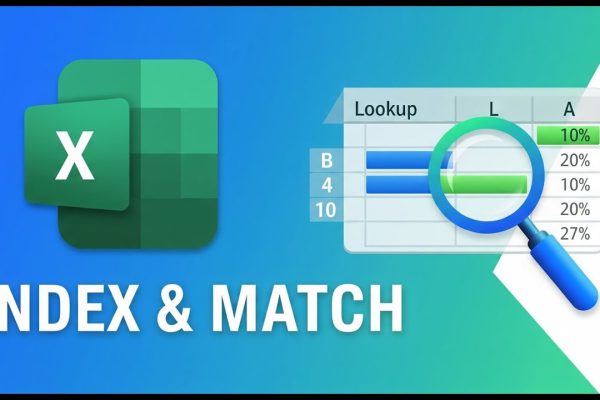
Why INDEX & MATCH Beat VLOOKUP in Excel

This MS Excel tutorial introduces the INDEX and MATCH functions, demonstrating their use with employee data including names, age, gender, employee number, and salary. The INDEX function retrieves a value from a cell based on provided row and column numbers. The tutorial explains how to determine these numbers, including using the COLUMN and ROW functions…

Read More

Excel & SQL Server Integration: Effortless Data Analysis, Visualization and Reporting

Tired of wrestling with complex SQL queries just to analyze your data? Welcome to this comprehensive tutorial where we’ll unlock the power of Microsoft Excel to seamlessly connect with your SQL Server database! Forget intricate coding – Excel empowers even non-technical users to effortlessly extract, analyze, and visualize crucial business information directly from your SQL…

Read More

Creating Custom Functions in Excel without using VBA: A Deep Dive into LAMBDA

Traditionally, custom functions in Excel were created using VBA, a programming language. However, Microsoft introduced the LAMBDA function in 2020, allowing users to create custom functions without coding. Inspired by lambda calculus, LAMBDA functions are defined with a name, parameters, and a formula. They can be used directly or named for future reference. By using…

Read More

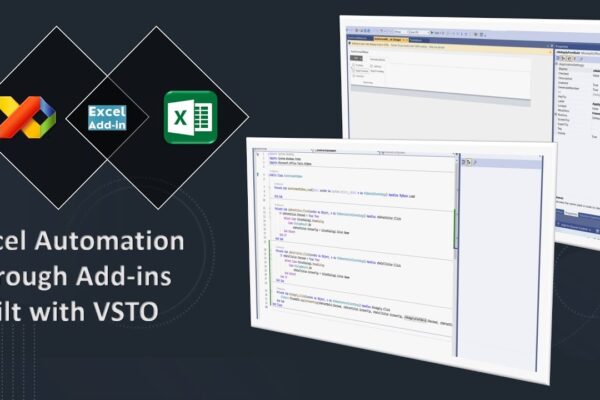
Build Your Own Excel Toolbars: Excel Automation with Add-in created in Visual Studio using VSTO

This video provides a step-by-step guide on creating a custom Excel add-in using Visual Basic for Applications (VB.NET) and Microsoft Visual Studio. It starts with setting up the project in Visual Studio, then walks you through designing the add-in ribbon with buttons and options for formatting. Next, you’ll learn how to code the functionality behind…

Read More