
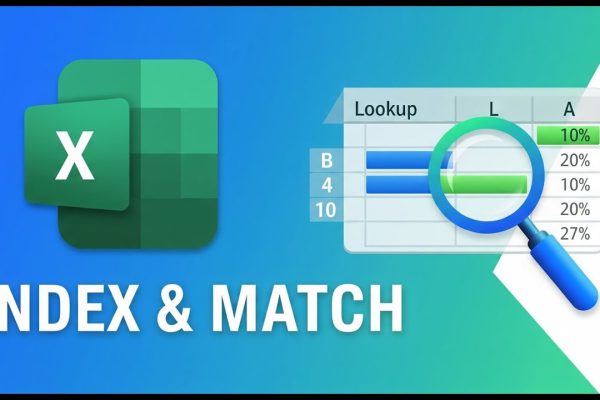
Why INDEX & MATCH Beat VLOOKUP in Excel

This MS Excel tutorial introduces the INDEX and MATCH functions, demonstrating their use with employee data including names, age, gender, employee number, and salary. The INDEX function retrieves a value from a cell based on provided row and column numbers. The tutorial explains how to determine these numbers, including using the COLUMN and ROW functions…
Read More

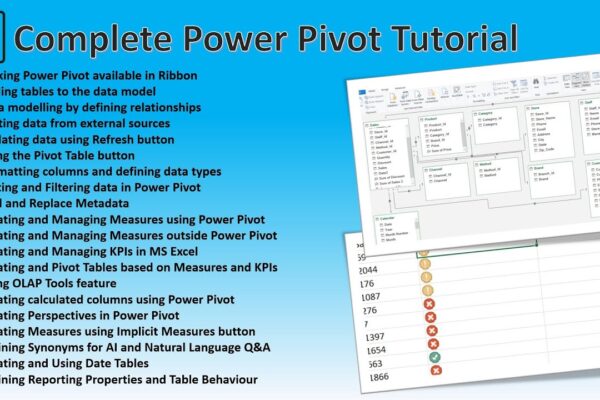
Power Pivot Advanced Concepts – A Complete Guide to Power Pivot

This tutorial provides a comprehensive overview of Power Pivot in Excel, covering topics such as data modeling, creating relationships, working with measures and KPIs, using OLAP tools, calculated columns, perspectives, and synonyms. It also demonstrates how to enable Power Pivot, connect to external data sources, and create pivot tables and charts. Additionally, the tutorial explains…

Read More

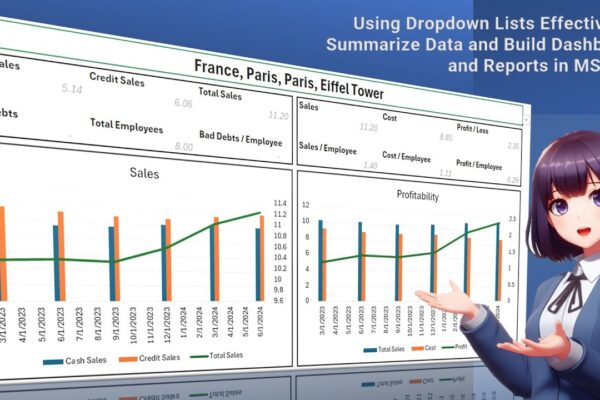
Using Dropdown Lists Effectively to Summarize Data and Build Dashboards and Reports in MS Excel

The video tutorial demonstrates how to create a comprehensive report in MS Excel using a drop-down list. The tutorial begins by explaining how to set up a data set with quarterly sales information, including location details. It then guides viewers through the process of creating a drop-down list, which allows users to select specific countries,…

Read More