
Power Pivot Advanced Concepts – A Complete Guide to Power Pivot

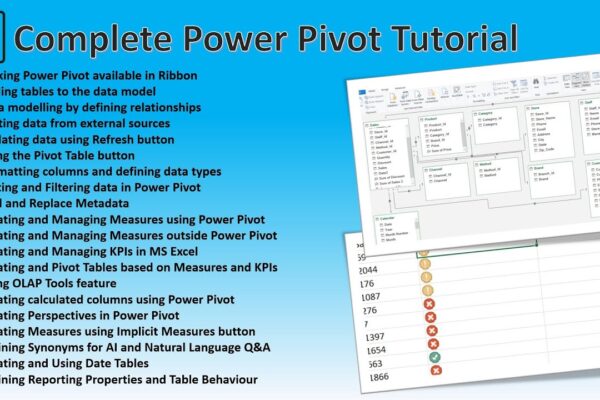
This tutorial provides a comprehensive overview of Power Pivot in Excel, covering topics such as data modeling, creating relationships, working with measures and KPIs, using OLAP tools, calculated columns, perspectives, and synonyms. It also demonstrates how to enable Power Pivot, connect to external data sources, and create pivot tables and charts. Additionally, the tutorial explains…

Read More

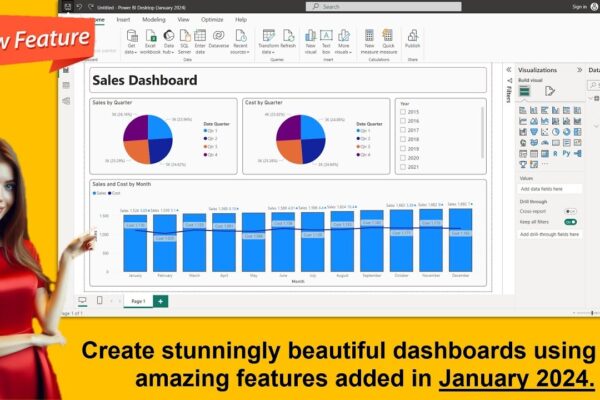
Creating Business Intelligence Dashboards from SQL Server Tables and Views

This tutorial demonstrates how to create a comprehensive Power BI report using data from a SQL Server database. We’ll delve into various analytical techniques, including geographic analysis, branch-wise performance, and deposit movement. The report will feature interactive dashboards with visualizations like maps, charts, and tables. By the end, you’ll be able to create insightful reports…

Read More

Time Intelligence in Power BI: A Visual Guide

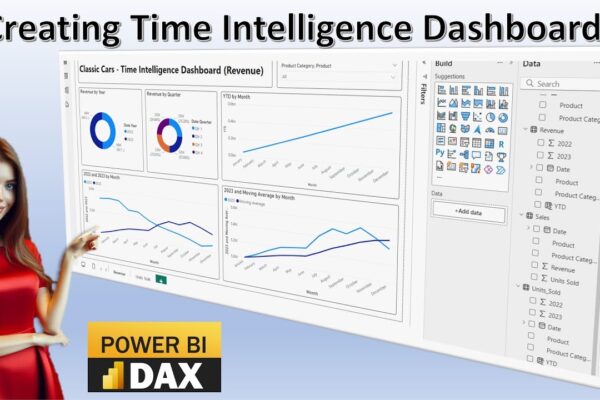
This video tutorial introduces time intelligence calculations and their visualization using Power BI dashboards. It covers various time intelligence concepts, including time series, time bucketing, year-over-year comparison, moving averages, and year-to-date analysis. The tutorial demonstrates how to import data into Power BI, create different visualizations like pie charts and line charts, and perform calculations to…

Read More

Advanced Power BI Realtime Project: Using Same Dashboard for Data Input and Output into SQL Server

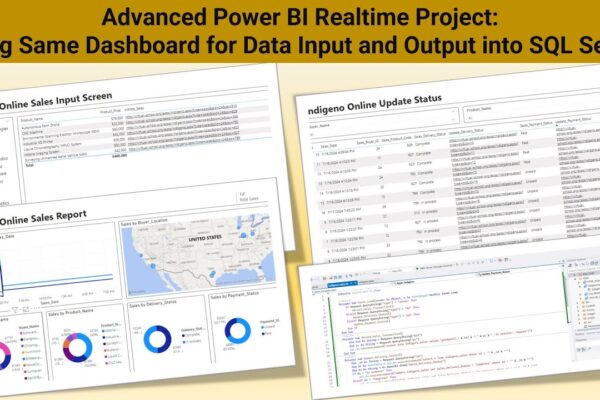
The provided subtitle describes an advanced Power BI tutorial on creating real-time data connectivity through change detection and auto-refresh. Goal is to create a Power BI project enabling real-time data entry into a SQL Server database from the Power BI dashboard. The tutorial uses M language and Power Query for data transformation.The web page creation…

Read More

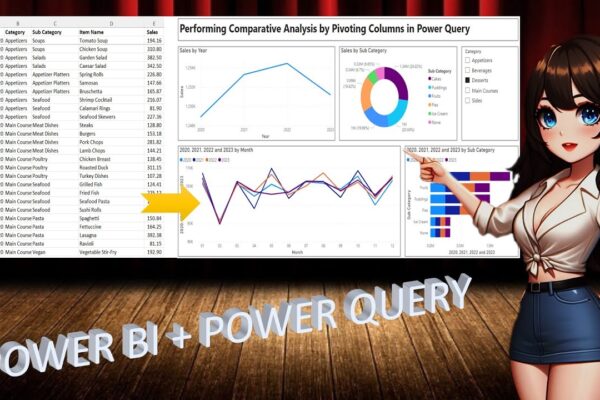
Performing Comparative Analysis by Pivoting Columns in Power Query

In this power BI visualization tutorial, we focus on comparing sales data from a vertical dataset across different years. Beginning with data transformation in the Power Query Editor, we progress to creating a comparative visual for a dashboard. Step by step, we navigate through loading data, adding visual elements like text boxes and line charts,…

Read More